The Elixir Repertoire Approach
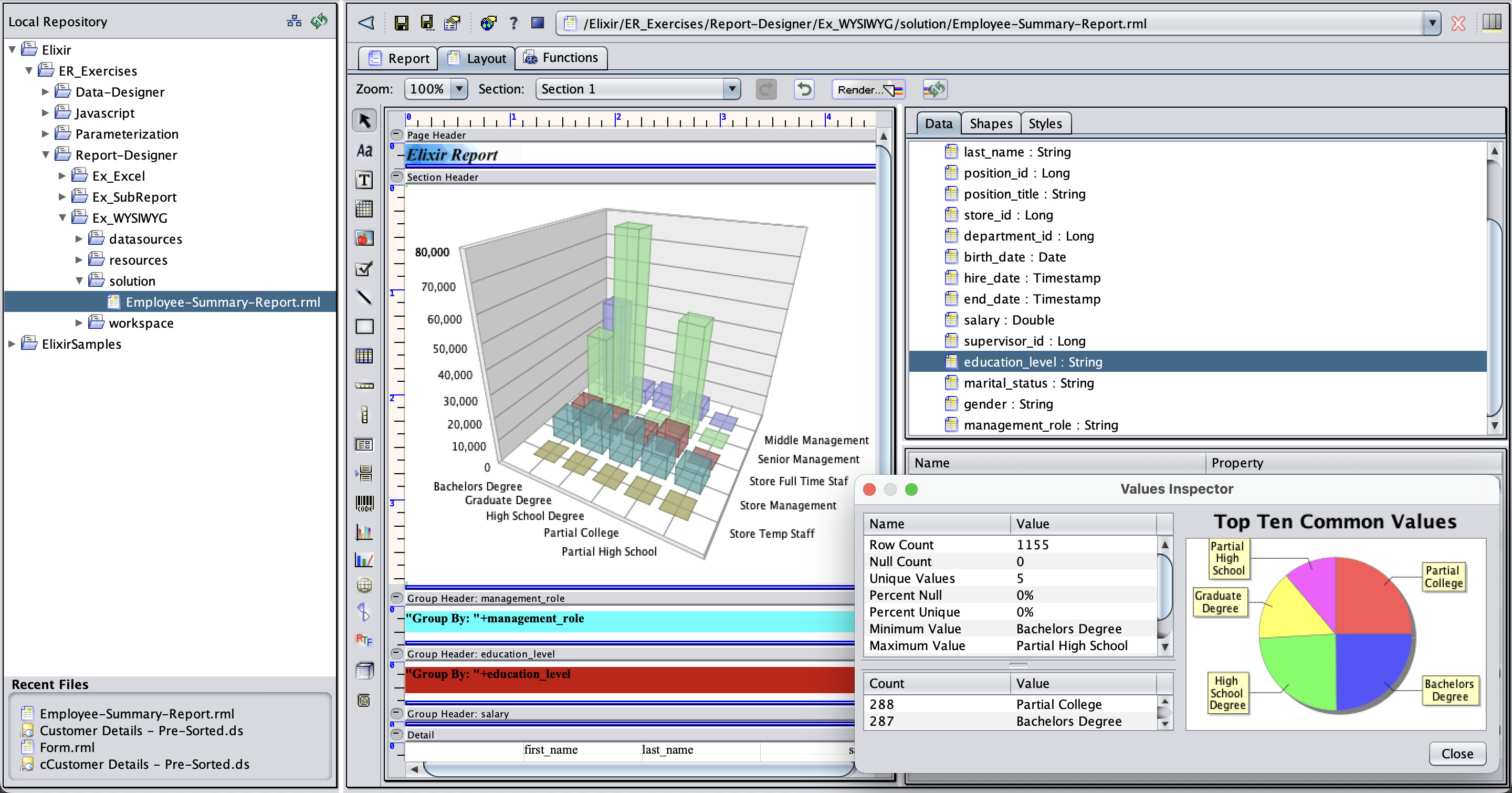
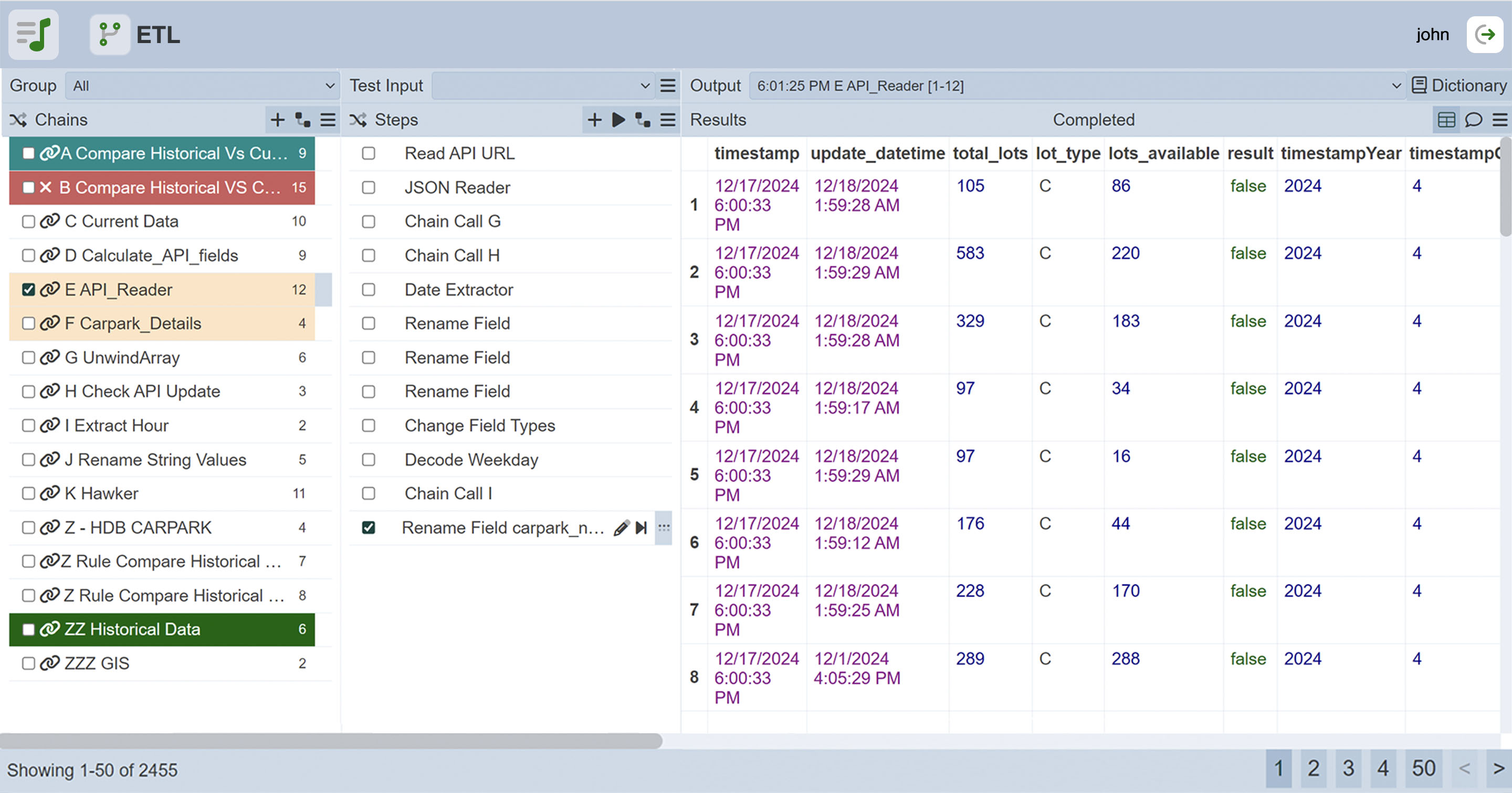
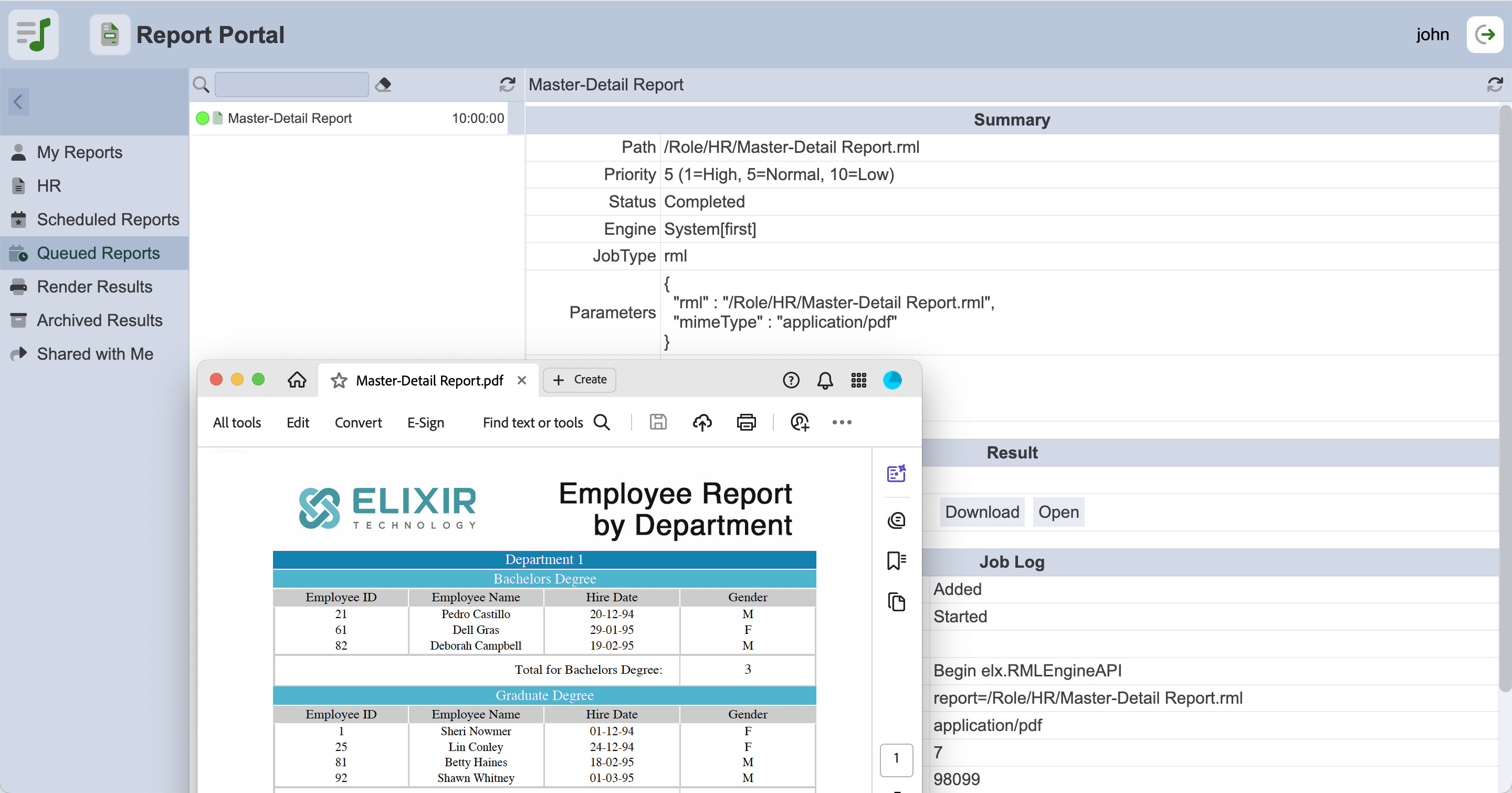
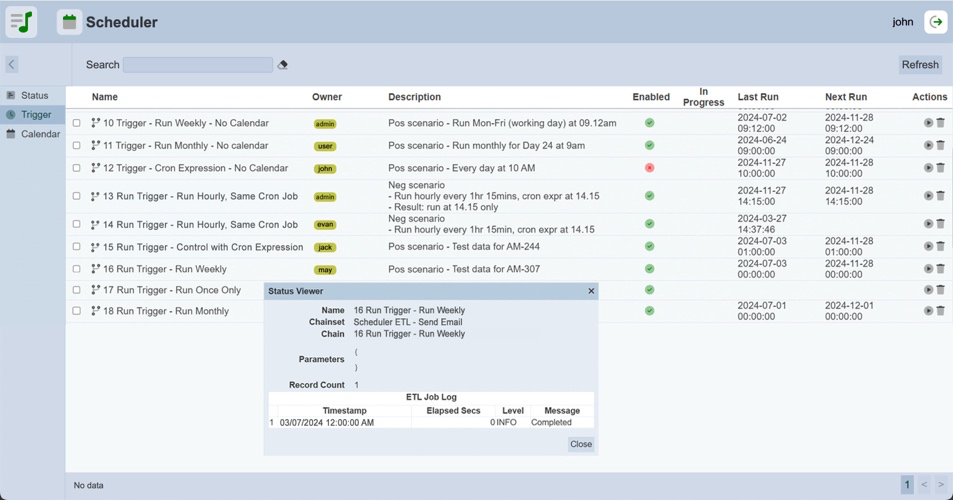
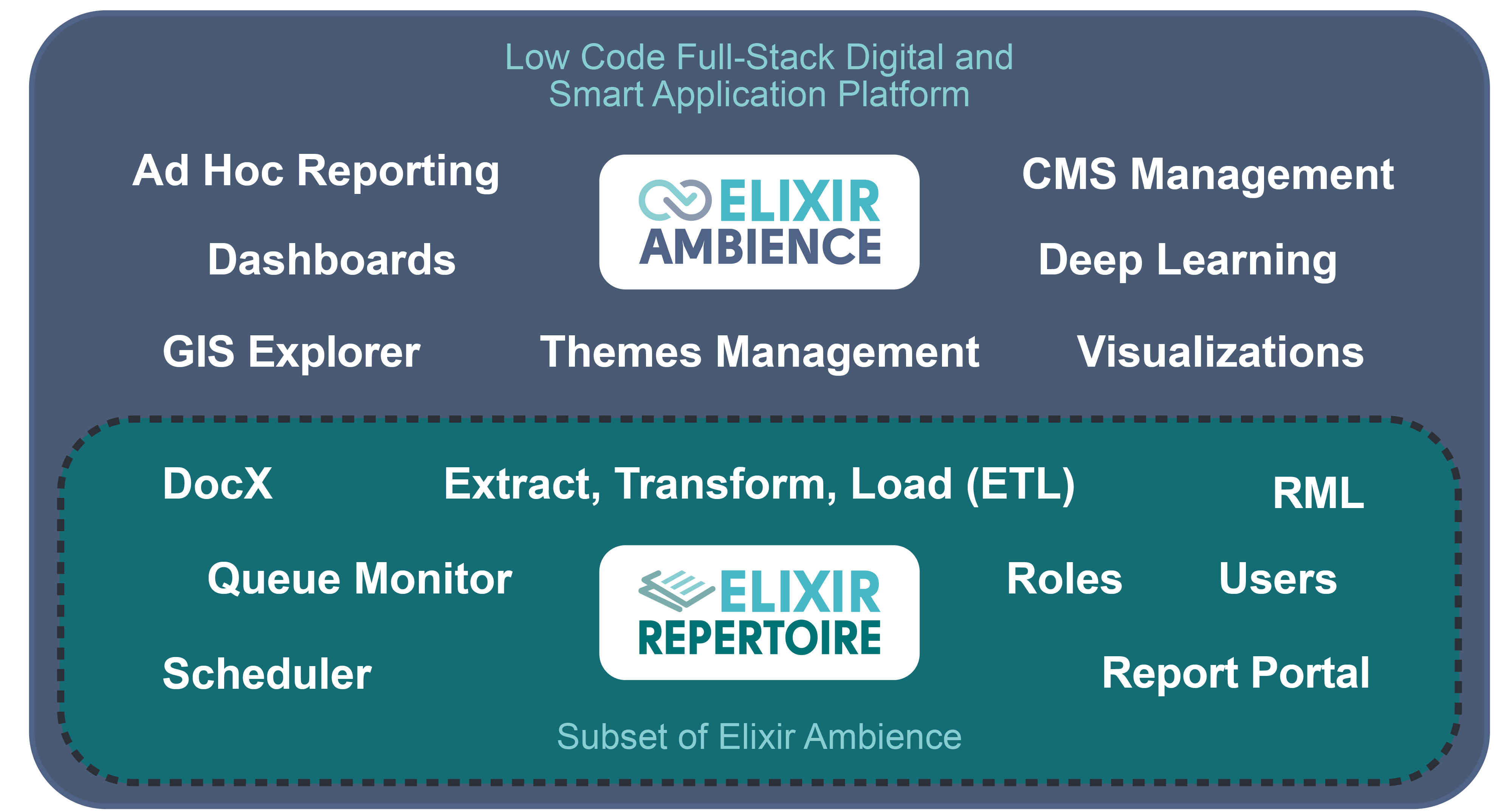
Elixir Repertoire is not just a replacement for Crystal Reports®, it’s the next evolution in enterprise reporting. It delivers a complete, modern reporting ecosystem that includes:



Existing environment
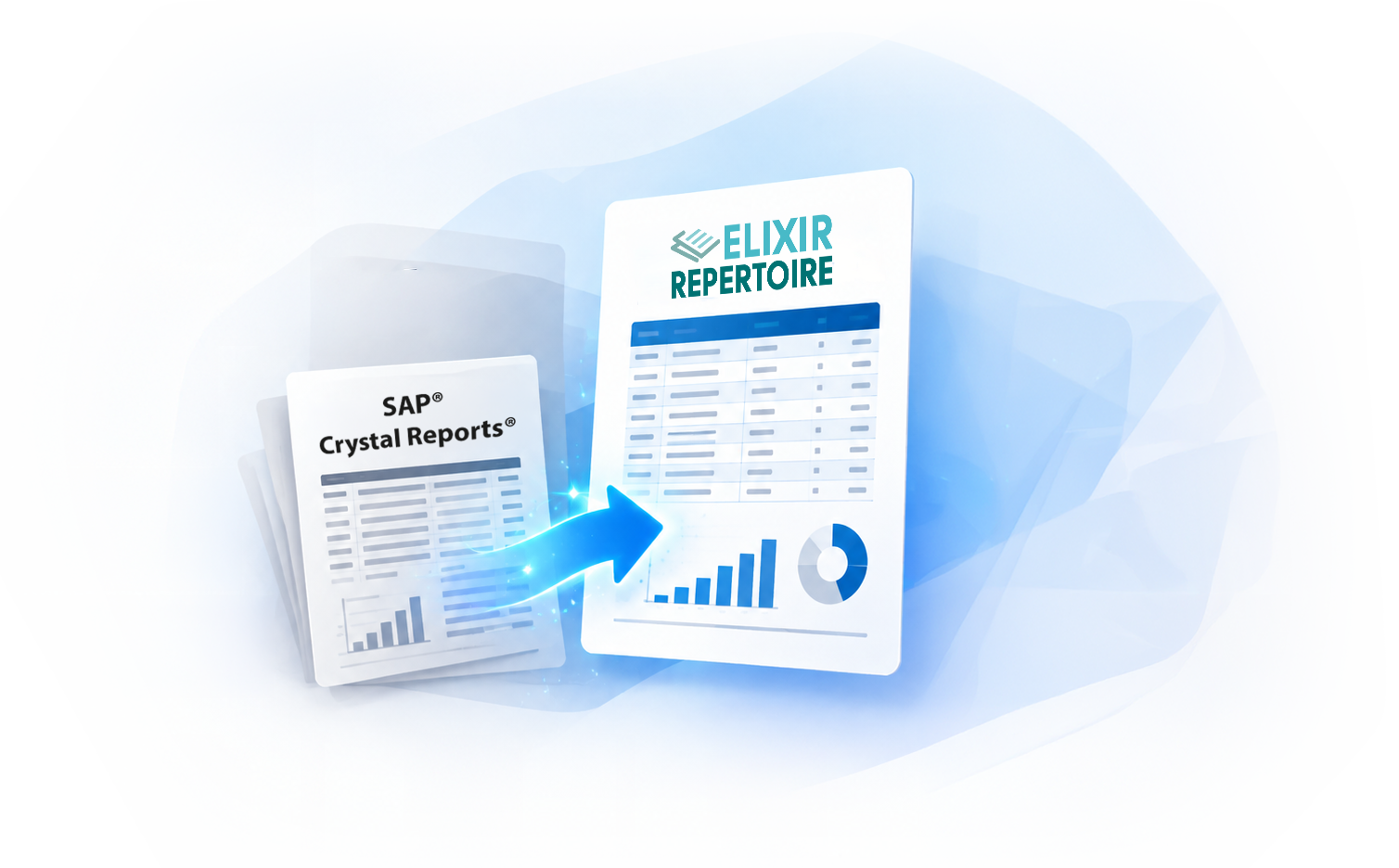
Smooth and low-disruption migration
Proprietary report format
Transparent, AI-friendly report format
Primarily SQL-based data connectivity
Broad data connectivity with real-time capabilities
Traditional deployment model
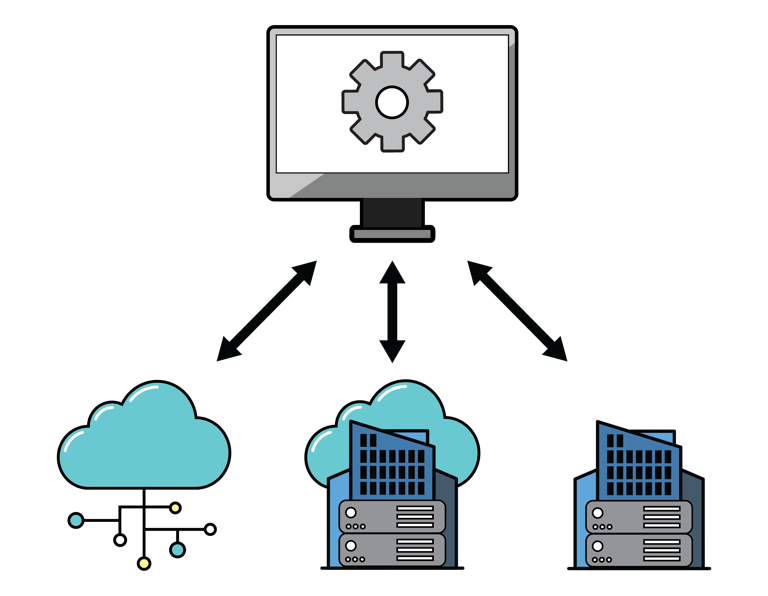
Scalable and flexible deployment
Standalone reporting tool
Integrated intelligence with Ambience
Gather the original Crystal Reports® files, reference output, data source files and supporting resources in one folder.
Open your preferred AI assistant and load Elixir Technology's Skill Files, including the RML Generator and Data Source (DS) Generator skills required for the migration.
Instruct the AI to migrate the report using the prepared resources and reference output. The AI analyses the inputs, generates the required Repertoire artifacts and iteratively refines the report to match the reference as closely as possible.
Inspect the rendered report and compare it against the original or expected output to identify any discrepancies in layout, data and formatting.
Open the migrated report in Elixir Repertoire Designer for any necessary final adjustments and validation.